 It pays to pay with Onestpay

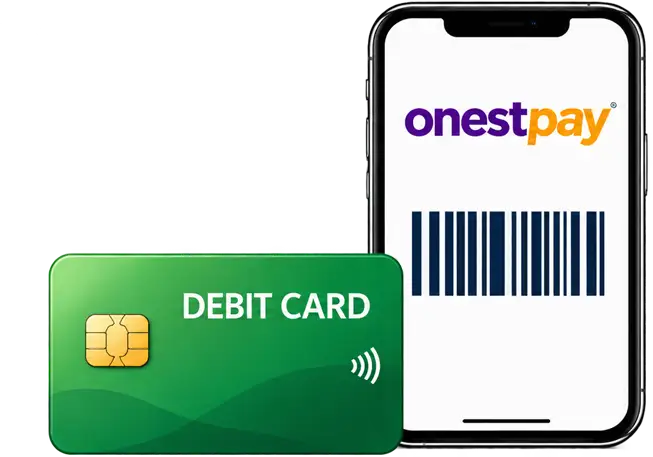
When you link your debit card to OnestPay, you keep your bank or credit union, your checking account, and your physical card. At a participating brand, you can choose to pay through OnestPay and see the available cashback before you authorize the purchase.
Compare at a glance
| Feature | Regular debit | OnestPay-linked debit |
|---|---|---|
| Card and account | Your existing debit card and checking account | The same eligible debit card and checking account |
| How you pay | Tap, insert, or swipe your card in-store, or enter your card details online | Choose a participating brand in OnestPay, authorize payment, and use the brand’s payment code |
| Where you can use it | Wherever your card is accepted | Use the OnestPay checkout option at participating brands. Your card still works wherever it is normally accepted. |
| Cashback | Depends on any rewards your bank or credit union offers | Earn the cashback shown for eligible purchases you start in OnestPay |
| Money before checkout | Stays in your checking account until you pay | Stays in the same account until you authorize payment. No OnestPay balance to preload. |
| Setup and fees | Follow your bank’s usual card and account terms | Link each eligible card once. OnestPay charges no fee to link or pay. Your bank’s usual terms still apply. |
What can you still do with your linked debit card?
Everything you normally do with your debit card remains available under your bank or credit union’s usual terms. You can tap or swipe it at a store, shop online, keep it on file for subscriptions and bills, or withdraw cash at an ATM if your card supports it. Linking your card to OnestPay doesn’t change how those transactions work.
How do you set up OnestPay and link your preferred debit card?
One-time setup
- Create your OnestPay wallet
Sign up and verify your email address and mobile number.
- Add your preferred debit card
Open your wallet and enter the details for the eligible debit card you want to link.
- Complete verification
Follow the prompts to verify your identity and confirm your card. Complete setup once for each card you link.
When you shop
Choose a participating brand, enter the purchase amount, and select your linked card. Review the cashback offer before authorizing payment.
What changes when you pay through OnestPay?
Link any eligible debit card you already use from a U.S. bank or credit union. Linking takes a one-time setup for each card and leaves your funds in checking. Your bank or credit union’s usual protections continue to apply while the funds are in your account.

- Find the brand. Open OnestPay and choose a participating store or restaurant.
- Review the offer. Enter the amount you want to pay and see how much cashback you’ll earn.
- Authorize the payment. Your linked card is charged when you approve the purchase. Show the payment code to the cashier or enter it online, according to the brand’s instructions.
Do I show both my debit card and the OnestPay app?
For an online purchase, enter the payment code at checkout according to the brand’s instructions.
How does online checkout differ?
When you pay directly with a debit card, you enter your card details on the merchant’s checkout page. When you pay through OnestPay, you enter the checkout amount in your OnestPay account and use the payment code on the merchant’s site.
| Step | Regular debit card | OnestPay-linked debit card |
|---|---|---|
| Check your total | Review the final amount on the merchant’s checkout page. | Review the merchant’s final total after taxes, shipping, and any discounts. |
| Enter payment details | Select the card payment option and enter your debit card details on the merchant’s site. | Open your OnestPay account, select the participating brand, enter the checkout total, and review the cashback offer. |
| Complete the purchase | Submit the payment on the merchant’s site. |
|
| See your reward | Any reward depends on your bank or credit union’s program. | OnestPay credits cashback for eligible purchases to your OnestPay wallet. |
What happens on a $60 restaurant bill?
With regular debit, you pay $60 from checking and receive any reward your bank offers on that purchase. If you pay through OnestPay and the restaurant has an eligible 5% offer, the same checking account funds the $60 bill and your OnestPay wallet receives $3.
The 5% rate is illustrative. You pay the full $60 at checkout. The effective cost reflects the separate $3 cashback credit.
Where does the cashback come from?
OnestPay uses gift card infrastructure to obtain payment value for participating brands at a wholesale discount. That happens behind the scenes when you authorize a purchase. You use the payment code at checkout, and OnestPay credits part of the discount to your wallet as cashback. You can earn that reward even if your bank offers no debit cashback.